KanjiBox for iPhone 0.5

About KanjiBox

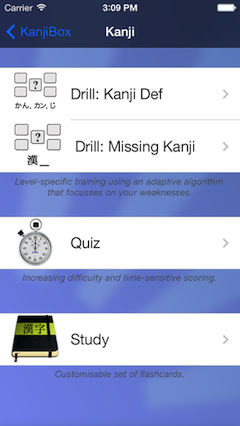
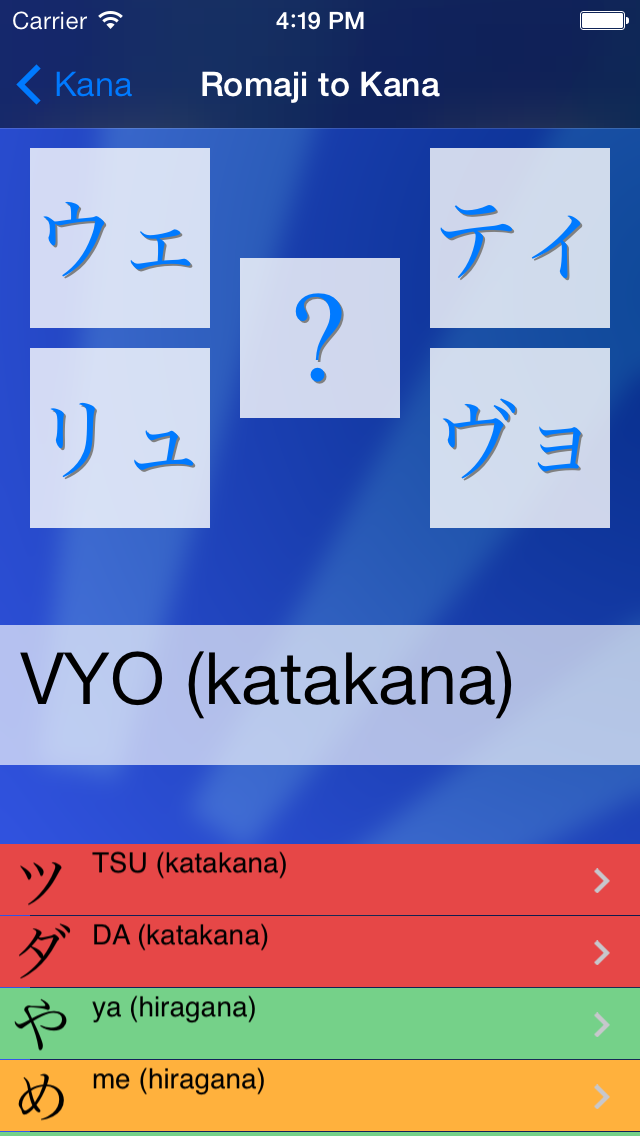
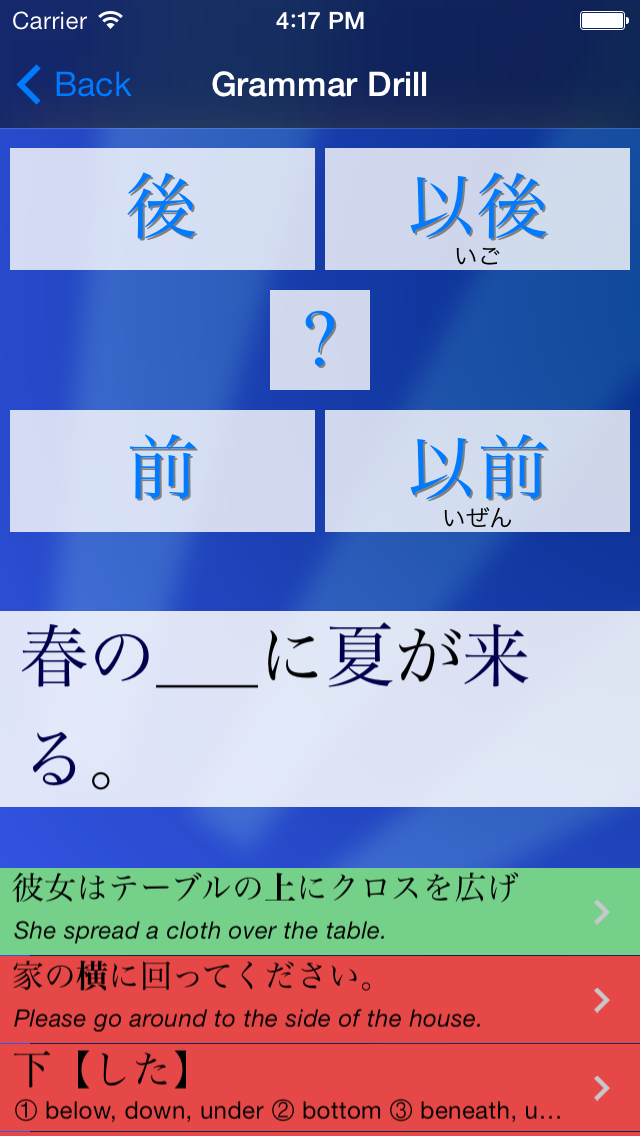
icon KanjiBox is an iPhone application to help you study Japanese. It provides a set of simple, yet powerful, drill exercises to help you evaluate and improve your skills in specific aspects of Japanese studies: kanji, vocabulary, kana etc.

KanjiBox is particularly well suited for standardised test preparation (JLPT, Kanji Kentei, Ninja academy...) but works perfectly well as a standalone self-study tool.

This iPhone version is a port of the popular and free KanjiBox for Facebook application, although not all features of the original have been implemented yet.

What Makes KanjiBox Unique?

Like most great teachers:
  • KanjiBox is Smart: it records all your answers (good and bad) and uses a special adaptative algorithm to decide which questions to ask you next, in such a way as to optimize your learning curve.
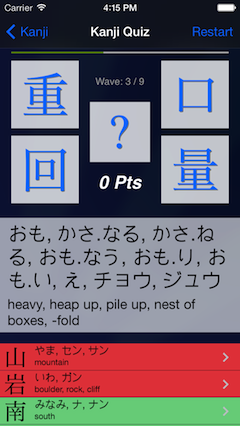
  • KanjiBox is Mean: choices are automatically selected to make guessing difficult. For example, kanji always come in pairs of closely (and often confusingly) similar characters.
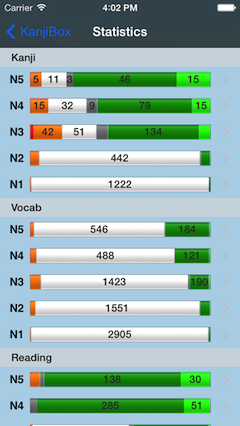
  • KanjiBox is Engaging: live bar charts showing your skills in each area provide you with an incentive to keep studying until you get the coveted "all green" bar for a given level (timed quiz mode and highscores are also coming very soon).

Current Features

  • Study at your level: JLPT 4 to JLPT 1, and an extra "Sensei" level (with all 6,000 kanji and 20,000 words).
  • Adaptative learning: focuses on your weak points.
  • Live bar charts: displaying your current performances for each level in each mode, real-time.
  • Kana mode (hiragana and katakana).
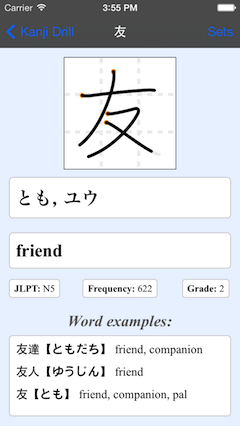
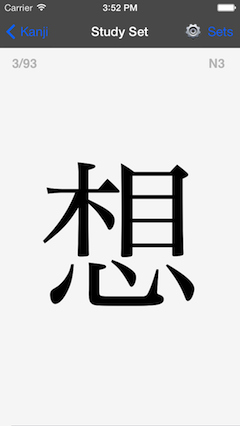
  • Kanji mode (over 6,000 kanji):
    • Optional display of pronunciation (onyomi, kunyomi) and English meaning.
    • Special kanji-similarity algorithm, to make "intelligent guesses" more difficult (yes: this is mean, but so are the people who make the standardised tests you will take one day).
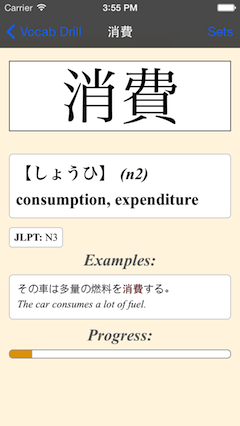
  • Vocabulary mode (over 20,000 words):
    • Configurable furigana (word reading) display.

Change log

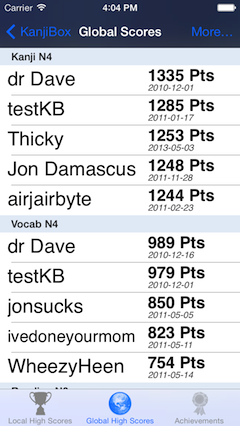
1.0 β1 [January 2009]: Major stability and UI improvements. Addition of Quiz mode with Scores.

0.5.6 [November 2009]: improved speed and compatibility with latest iPhone OS versions.

0.5.1 [July 6h, 2009]: much bug fixin' and memory-leak plugin'.

0.5 β4 [July 1st, 2009]: couples small bug fixes, major speed improvements, moved Settings pane inside the app. Release Candidate 1.

0.5 β1 [June 23rd, 2009]: first beta release.

Known Issues

  • On some of the higher levels, drill screen can take some time to load and will sometimes freeze a couple seconds mid-game. This is mostly due to hardware limitations and the size of the database. Hopefully this will improve over time as I keep adding optimisations into the code.

(Tentative) Roadmap

All upgrades until version 1.0 will be free for existing users.

0.6 (December 09)

  • Improve speed and caching. (0.5.5)
  • Improve vocab similarity heuristics. (0.5.3)

1.0 (currently beta-testing)

  • Single-user quiz mode.

1.x

  • Word examples for kanji correction cards.

2.0

  • Online scoreboard.
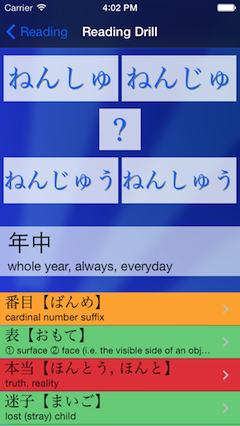
  • Reading drill/quiz.

2.0

  • Multi-user support (on same device).
  • Support horizontal mode.
  • Sentence samples for vocabulary mode.
  • Sync with online application (Facebook, etc.).
  • Customisable learning sets.

OK, Where Can I Get It?

KanjiBox can be directly purchased from the iTunes Store. Click here to be taken there directly.

KanjiBox - ©2009 Dave duVerle